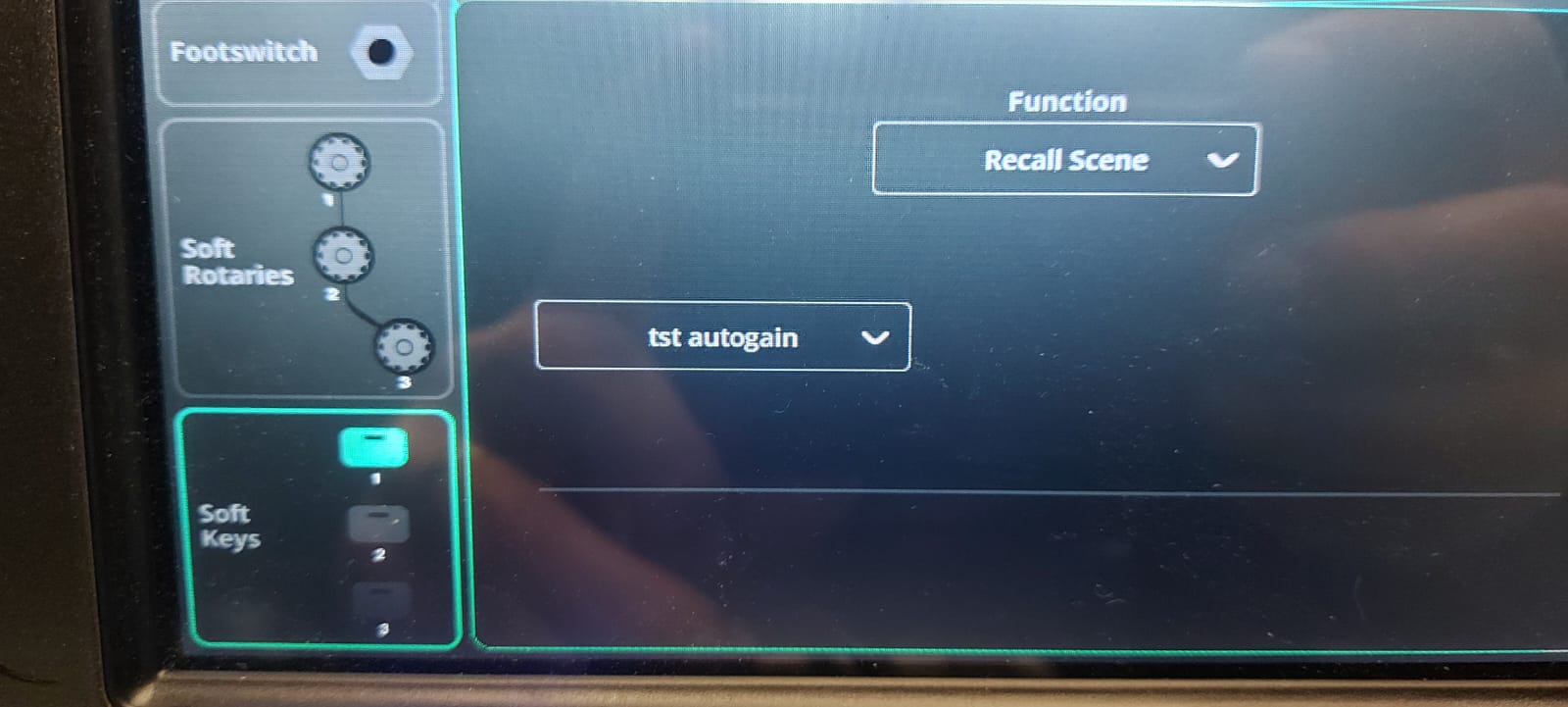
On a CQ mixer, I try to assign the soft keys to 3 different scenes.
I go to ‘control & network’ , I can set the buttons to
function: recall scene
and in the second I select the right scene.
There is no ‘apply’ button or anything.
I can assign the 3 buttons to 3 different scenes.
BUT, and here it comes,
As soon as I press the soft key 1 (or 2, or 3) the assigned function to go to the selected scene dissapeers.
Why isn’t is possible to use the soft key to go to a selected scene ???
It looks like it’s assigned , but as soon as I try to recall, the assignement of the softkey is empty.