Right out of the gate, I’m gonna say that I don’t know if this is the best place for this topic. I think it would be nice if a Custom Control category was created in the forum, with the typical General Discussion, Feature Suggestion, and Troubleshooting sub-categories. Anyway, on to the topic…
I use Custom Control with dLive for creating personal mixer layouts for musicians. It would be fantastic if Custom Control clients were given the option of selecting a specific layout from an available list rather than one being selected automatically based on user/device type/etc.
If this is how it operated, I could have a layout for each “mix”, which would reduce confusion and instances of users inadvertently adjusting someone else’s mix. It would also eliminate the need for a tab container for selecting the destination mix, which would result in more space for other widgets.
EDIT:
Another solution would be to expand the number of configurable users on the dLive platform. There is an existing request for increasing the number of users here:
It’s not uncommon to have 10 or more mixes which is why the current user limit is a deal breaker in some situations. I say this because it seems like it would be easier to simply increase the number of “users” in the system than it would be to create a whole new “layout” selection scheme, but that is an uneducated guess on my part.
If the “user” count was increased to at least 20, that would likely cover this need for 95% of the use cases out there. Why stop at 20 however? The higher number of users that are available, the more situations it would cover.
You don’t have to use a different layout for each user, it’s simply an alternative if that is what someone wants to do.
For example, you absolutely can currently use the “tab” widget to design CC Layouts that would support multiple mix busses in a “personal monitor” type layout. I’ve done it several times myself. However I speak from experience when I say that it is a real PITA to set up due to how the CC editor works. I have learned to get one tab exactly how I want and then “copy and paste” it to the other tabs and edit it to work the a different buss. However if you want to make even a single change once these tabs are in place, it gets really hard to do.
Im not audio person, i just make the layouts. Ive used the tabs for many zones and different things like inputs and zones and what not
But, the more users and diffferent layout, it all becomes a nightmare to organize and keep every in design.
I make each design completely custom per client. Ort atleast, in terms of colors and such. We have found a nice layout style, which works nice on mobile for restaurant and beach style venues. Going from the design into the app, makes quite a difference ofcourse. After doing it now 4 times. I simply reuse elements and components i made and recolor them a bit into the identity or style from the venue.
Lots of them like to have their logo shows. I feel its waste of space and thus UX
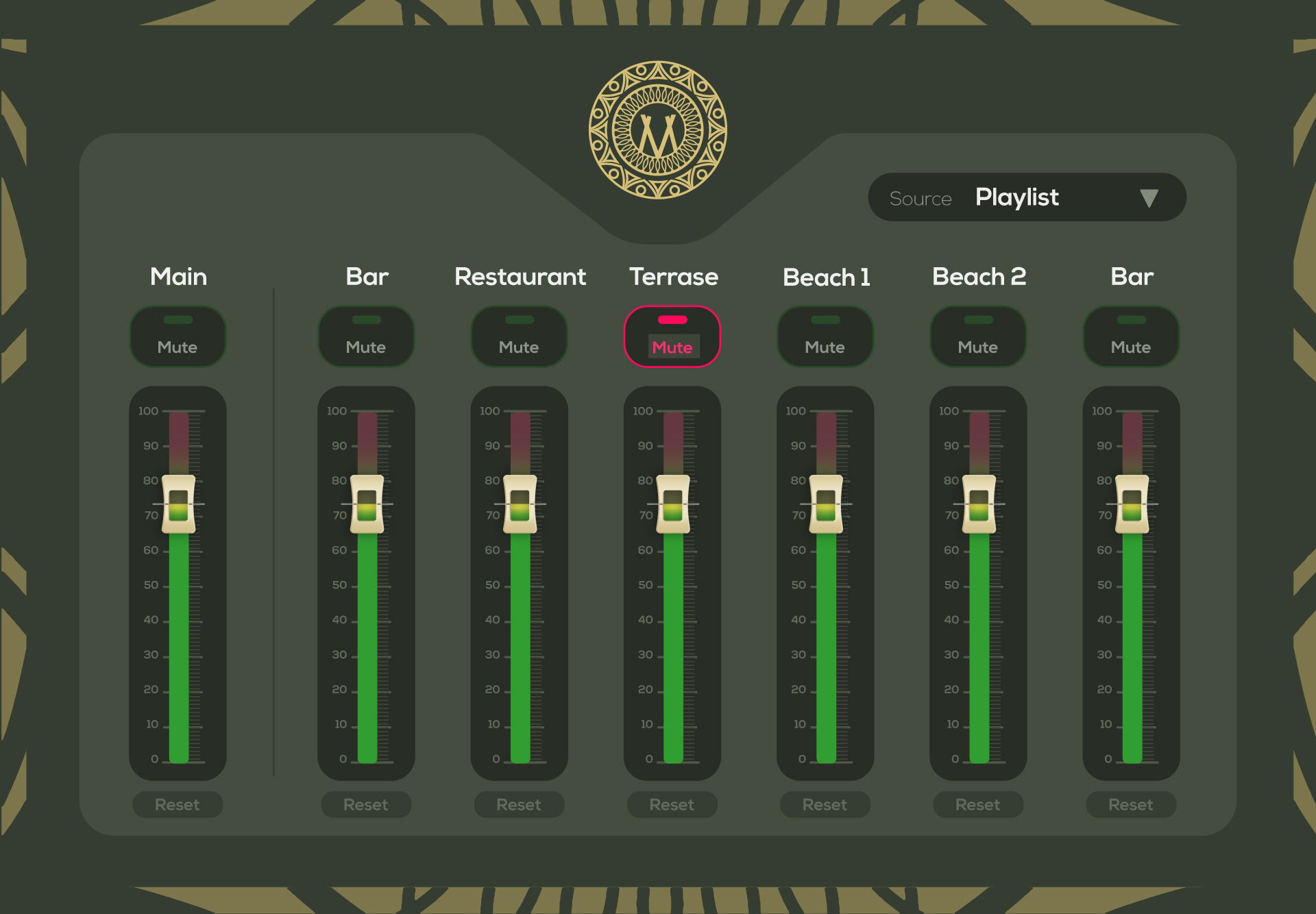
Here’s on of my first layout designs i made. DIdnt touch Custom Control editor then. I noticed it was a bit more limited and i had to adjust the design. Also taking into account time of day. The dark designs dont work that well during day, in my opinion
Recently I actually worked with a colleague on a .NET web app that builds personal monitor mixes for me. I takes a YAML file as input and then builds the XML config required for Custom Control.
I should also clarify that I am using stacked/nested tab widgets when building out monitor CC layouts. For example, there might be a tab on top of the screen where the musician chooses their monitor buss, and then a tab on the bottom where they can scroll through multiple tabs in order to have access to all of the needed channels (usually about 30-40 in my situation).
It’s this nesting of tab widgets that really causes the headache because it is very hard to ensure the “focus” is on the correct tab. It’s easy to start making adjustments only to realize that the system is making those changes on a different tab than you wanted it to. If you are only using one “layer” of tabs, the editor is actually very easy to use.
My work around is to get one musician’s buss set up exactly how I want with all of the “input layers” setup correctly. Then I can copy and paste the top “musician’s buss” tab into the other musician buss tabs. It is much easier to edit an existing fader, button, knob, etc (to change the buss to the correct musician) than it is to add new elements/widgets when using nested tabs.